Getting Started (everyone)
Who this is for: every new HRIS user, whatever your role. Time: ~3 minutes. You'll need: the invitation email from People & Culture.
1. Accept your invitation
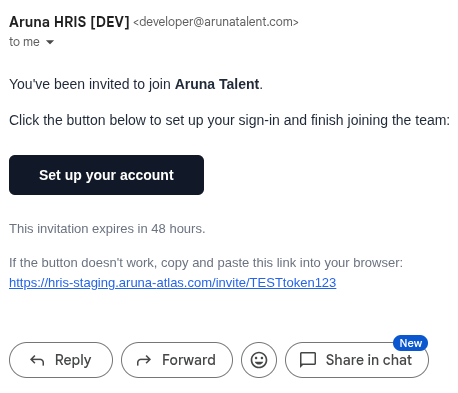
When P&C adds you, you get an email inviting you to set up your account.
-
Open the email and click Set up your account (the invitation link).
-
The invitation page opens (no login needed yet). What you see depends on how P&C added you:
-
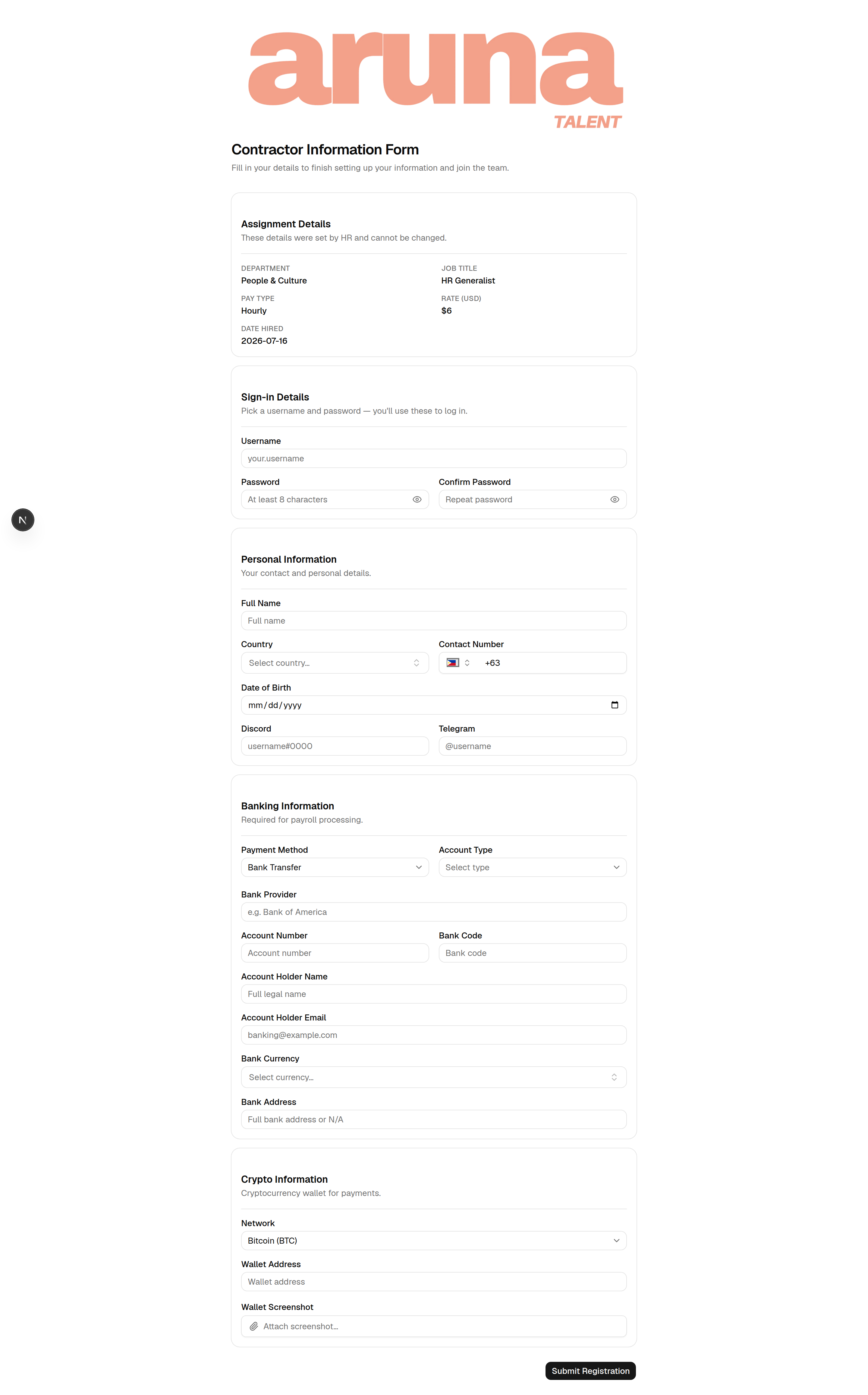
New hire → the full Contractor Information Form: sign-in details plus personal, banking, and crypto info.
-
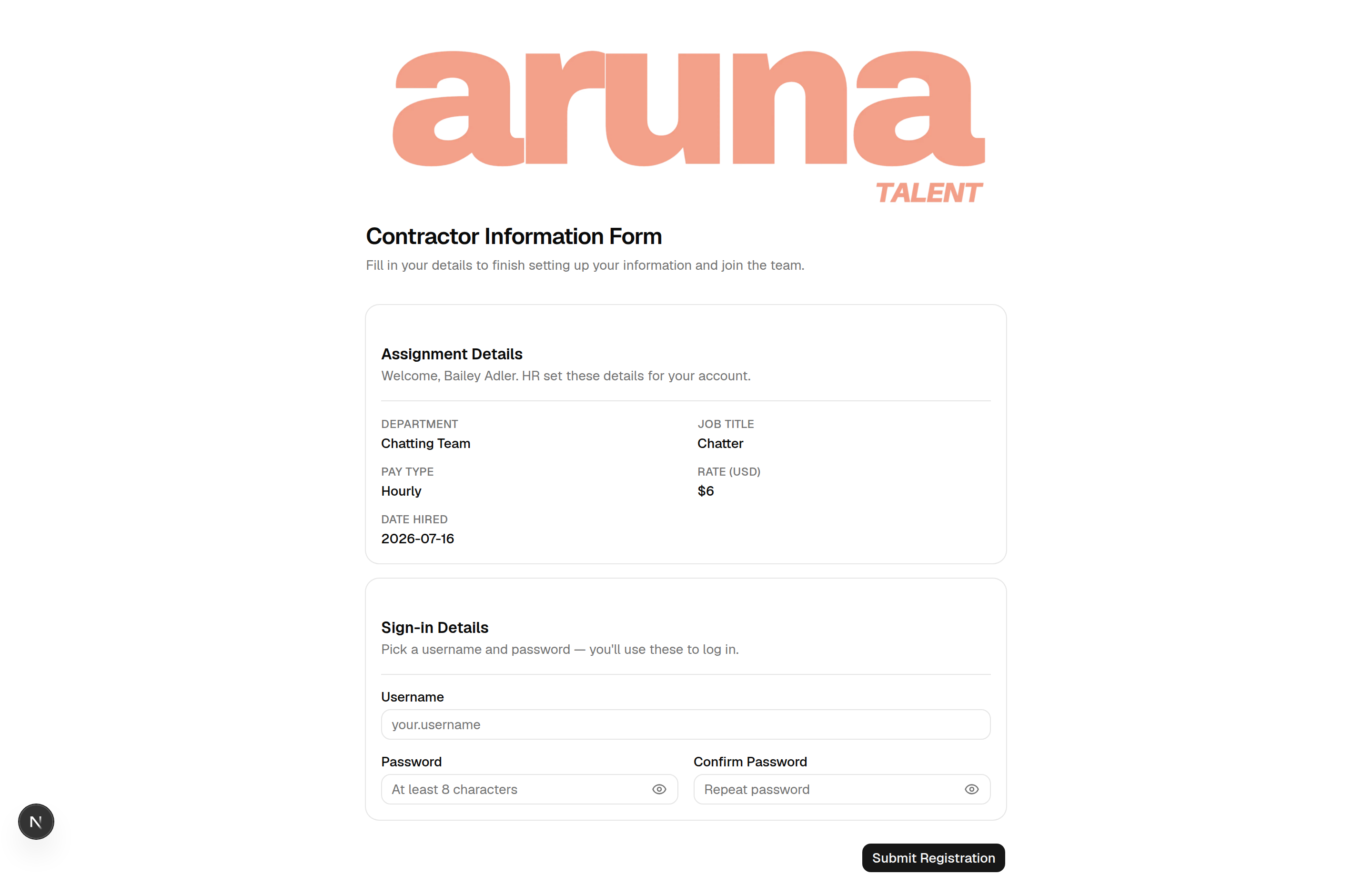
Existing employee → a slim form; HR already set your details, so you only pick your sign-in credentials.
-
Pick a username and a password (at least 8 characters), then confirm the password. Use the 👁 eye icon to check what you typed.
- Fill in any remaining details the form asks for, then Submit Registration.
⏳ Invitation links expire after 48 hours. If yours has expired or says "already used", ask P&C to Reinvite you — you'll get a fresh link.
2. Log in
- Go to
https://hris-staging.aruna-atlas.com(or your live URL). - Enter your username and password → Sign in.
- Forgot your password? Click Forgot username or password?, enter your email, and follow the reset link.
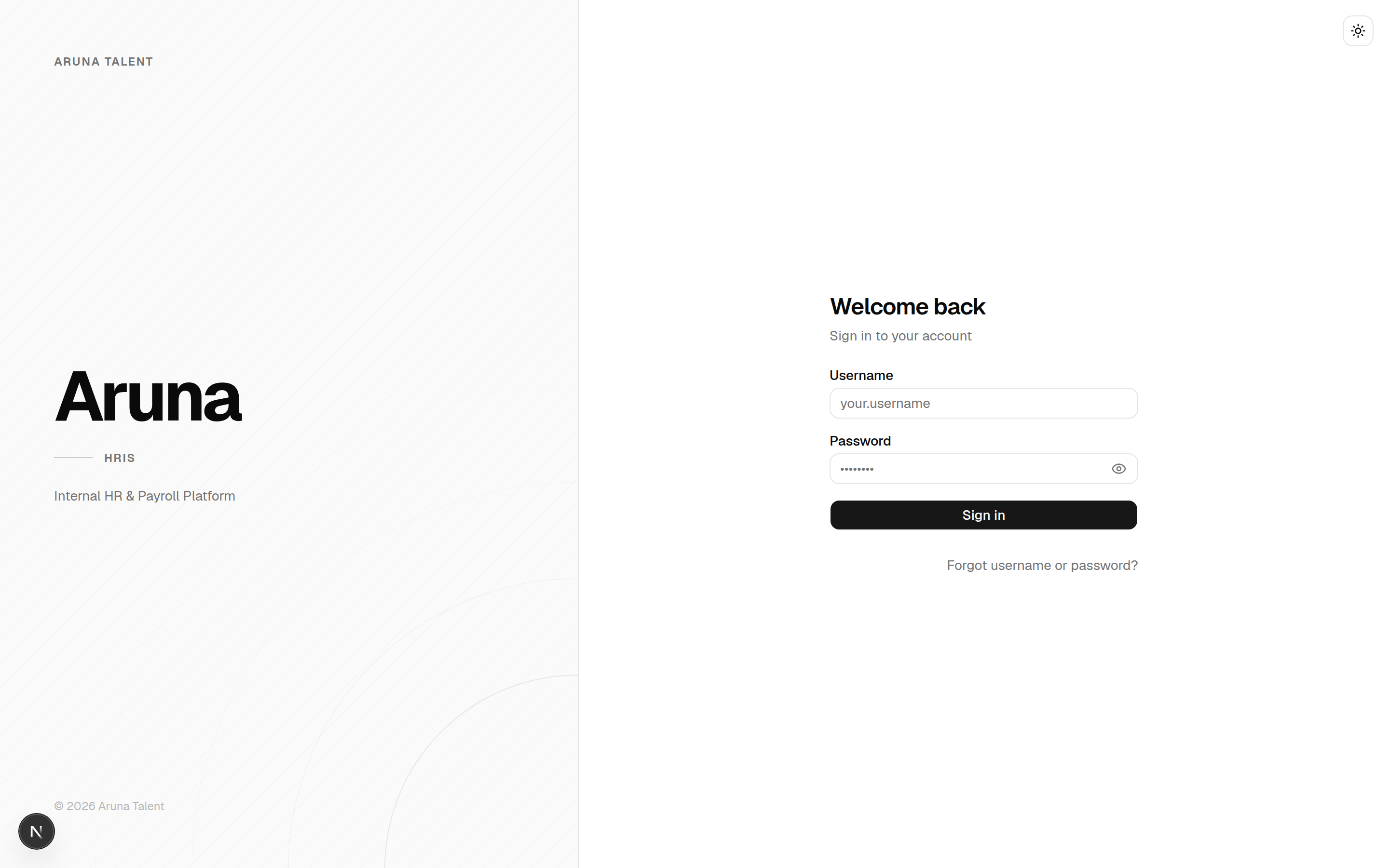
The Forgot username or password? page emails you your username and a reset link:
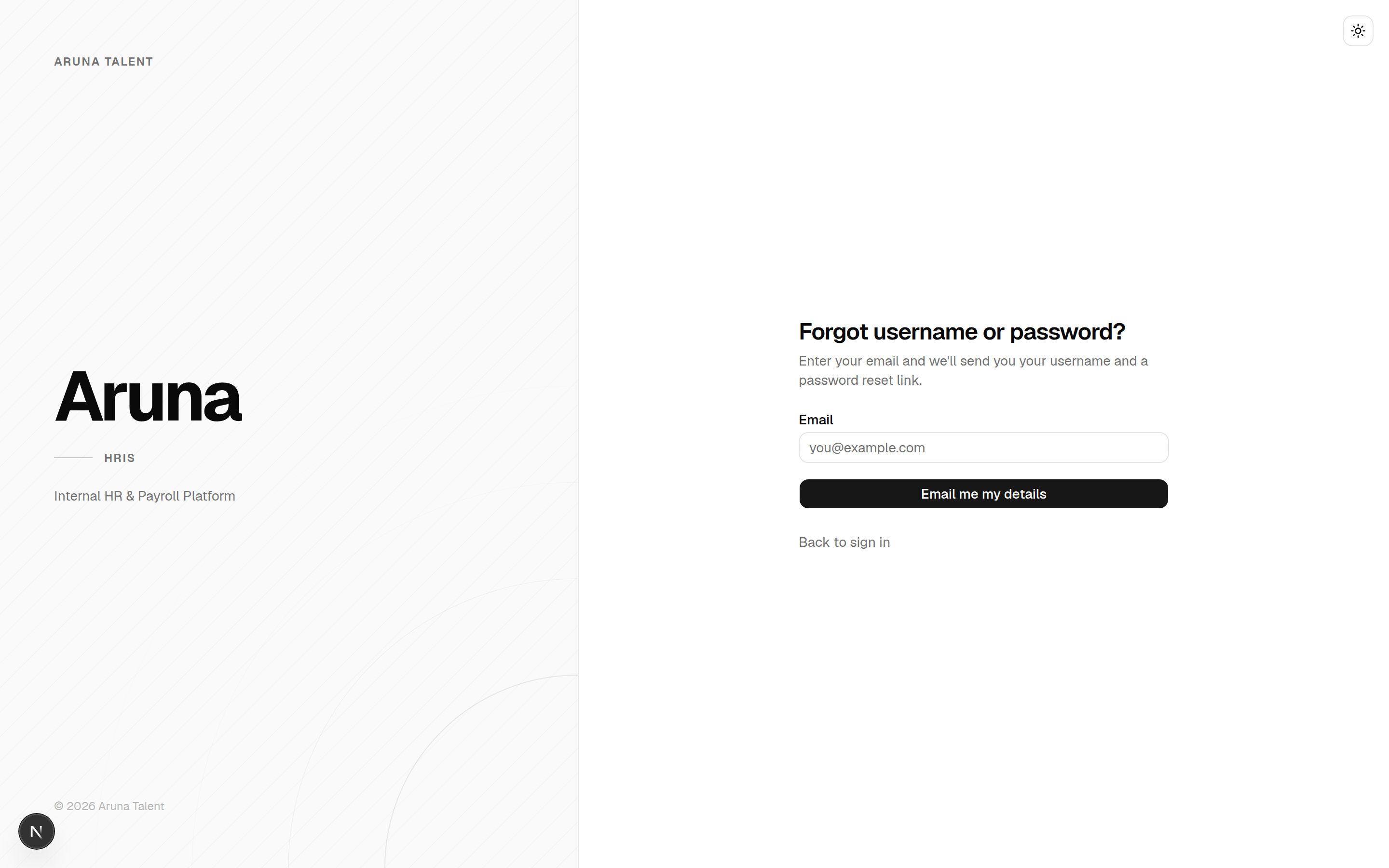
Sign in with the username you chose — not your email address.
3. Find your way around
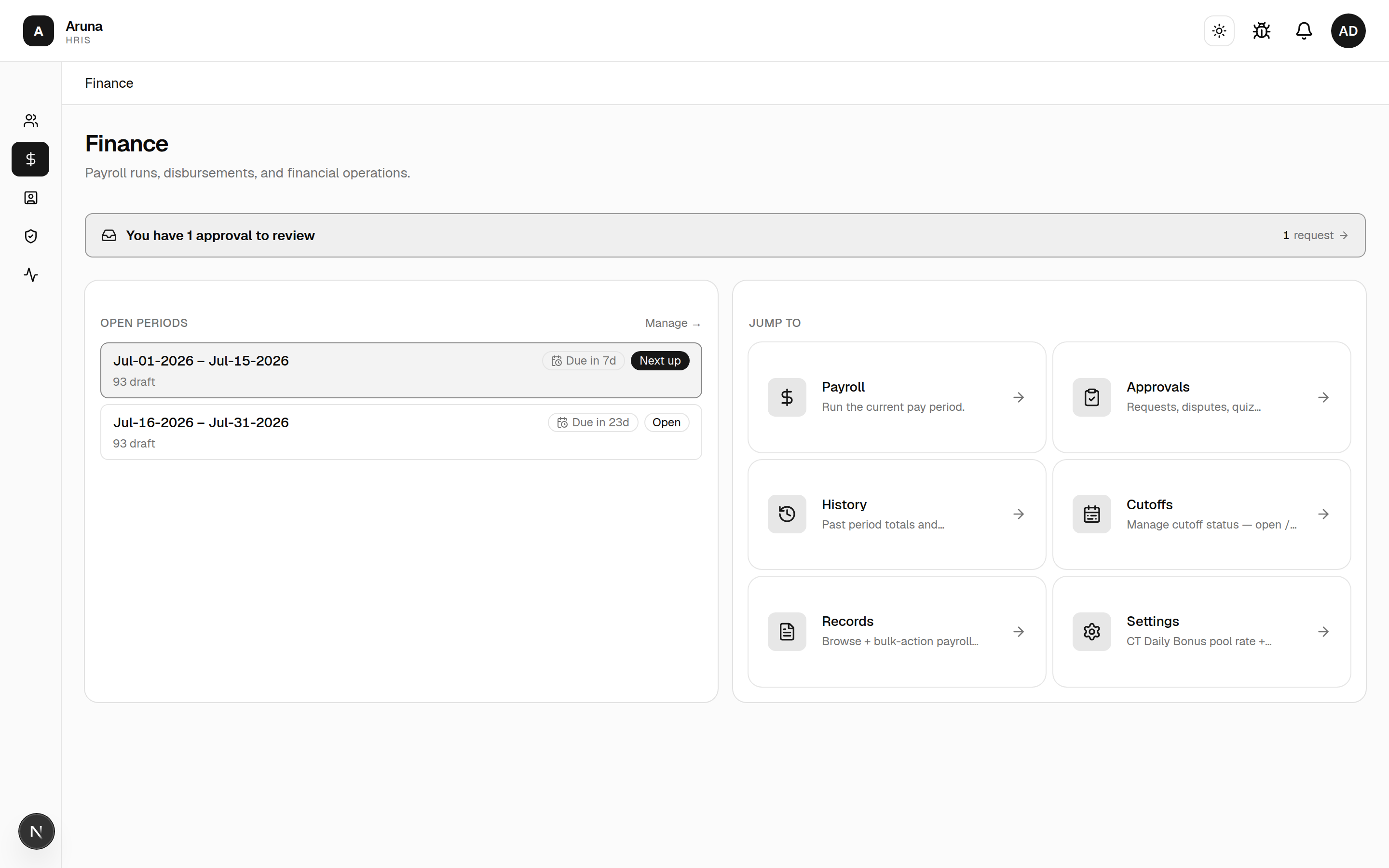
After signing in you land on your home page. What you see depends on your role — the app only shows the areas your access covers.
- Left navigation shows only the modules you have access to (People & Culture, Finance, Management, Models, your Employee dashboard, etc.). If you expect something and don't see it, your access hasn't been granted yet — ask P&C.
- Your own things (profile, your requests, payslips, leave) live in your personal Employee Dashboard — see the Employee Dashboard guide.
The example below is the landing an admin sees; yours will differ by role.
Troubleshooting
| Problem | What to do |
|---|---|
| Invitation link expired / "already used" | Ask P&C to Reinvite you |
| Can't log in | Use Forgot username or password?; confirm your username (not email) |
| Reset link says "Invalid link" | It expired — click Request a new link and try again |
| A module is missing from the nav | Access not granted yet → ask P&C (Module access) |
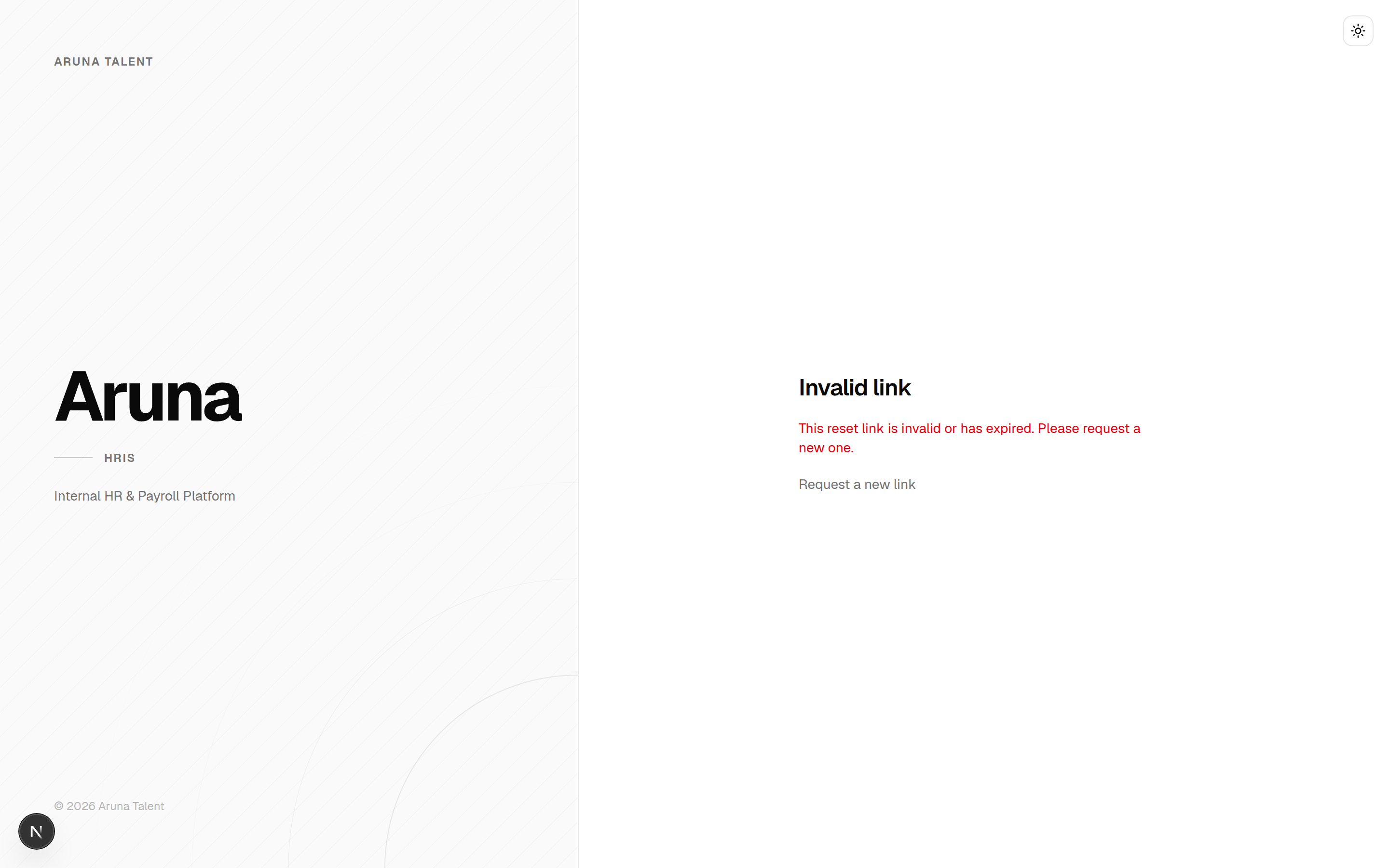
A reset link that has expired shows: